AI Image to Image

Image to Anime

Upload a photo, describe the anime look you want, and keep your face, hair and outfit in the new picture.

  • Photo to anime from one prompt
  • Keeps your face, hair and outfit
  • Painted, TV anime or manga ink
  • Free to try when you sign up
0
New product background
Prompt idea
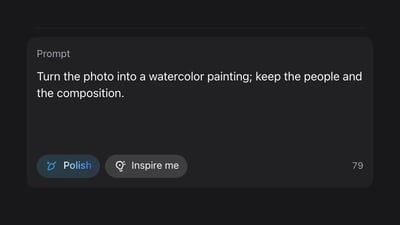
Prompt

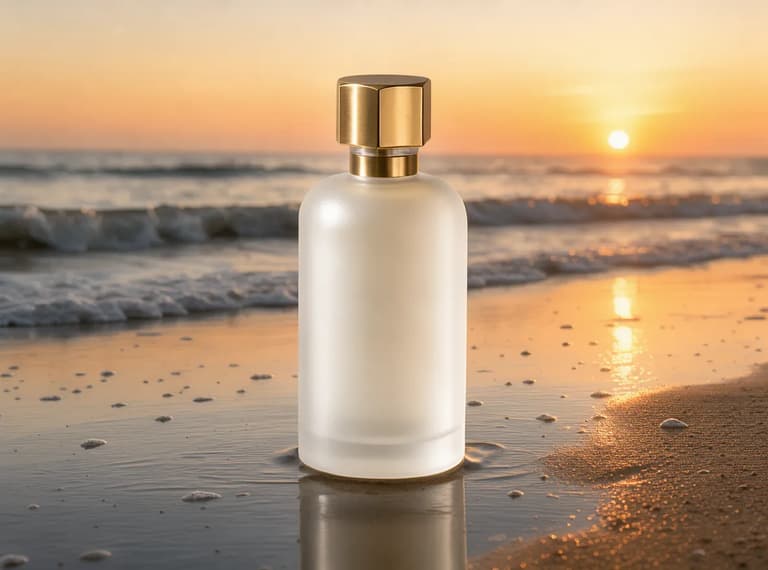
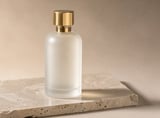
Keep the perfume bottle exactly as it is. Replace the background and stone with wet sand on a beach at golden hour sunset, soft waves behind, warm backlight.

How image to anime works

Image to anime AI turns a photo you upload into a drawn anime picture, online in your browser. You upload one photo, write a sentence about the anime look you want, and the model redraws the whole picture in that style while keeping what you tell it to keep: the face shape, the hairstyle, glasses or a beard, the colors of the outfit, the pose and the place behind you.

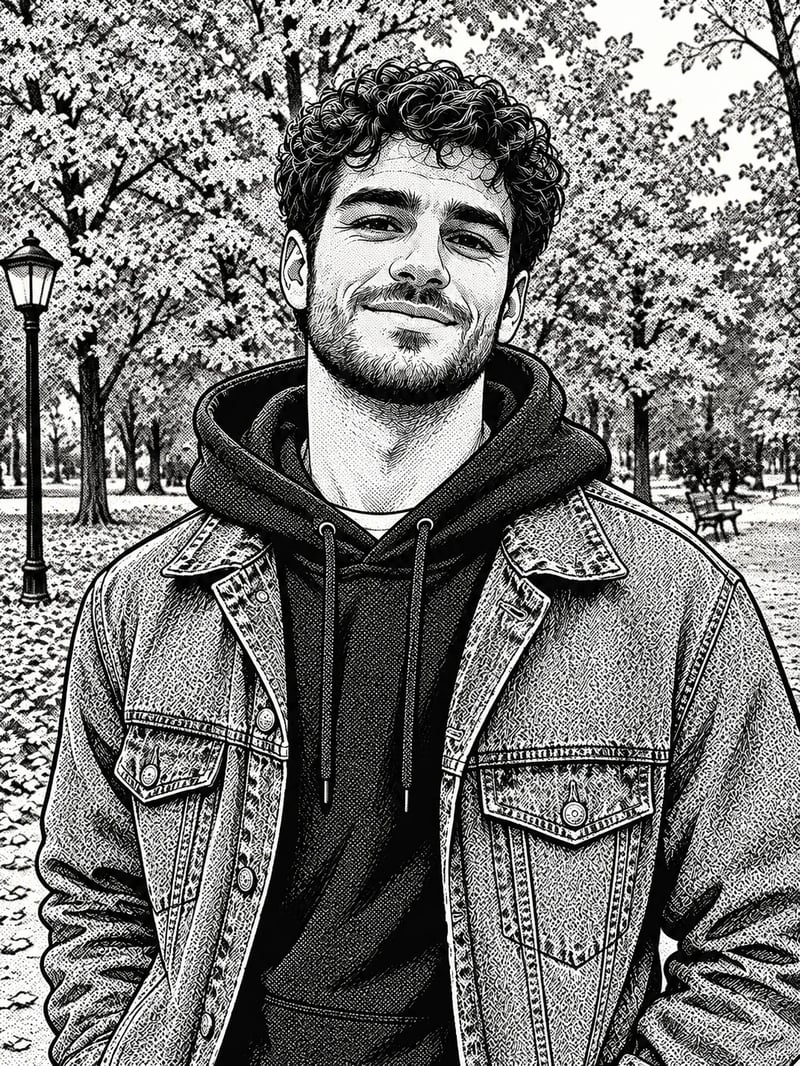
What changes is the drawing itself. Skin becomes flat or painted color, outlines appear, hair is drawn in clumps and the background turns into painted scenery. How far a photo to anime picture moves away from the photo depends on the words you use: "large expressive eyes" and "flat cel shading" push it much further than "soft painted light", as the tests below show.

The generator above opens on GPT Image 2.5 Flare, this site's default image model, on the image to image tab. The model menu also has other image models, such as Nano Banana Pro and Seedream 5.0 Pro, so you can run the same photo and prompt on another one. The result is a new image; your photo is not changed.

You may know this as a photo to anime converter. Photo to cartoon is close but not the same: cartoon usually means rounder, Western-style drawing, so if that is what you want, say "cartoon" and describe the shapes instead of anime eyes and cel shading.

Our tests

One photo in three anime styles

We took two photos and turned each one into three anime looks with GPT Image 2.5 Flare at 1K on November 21, 2026: one run per look, first result kept. The prompt under each result is the one we used, and only the first sentence changes between looks. Both source photos are AI-generated. Hold the button on a result to see the photo it started from.

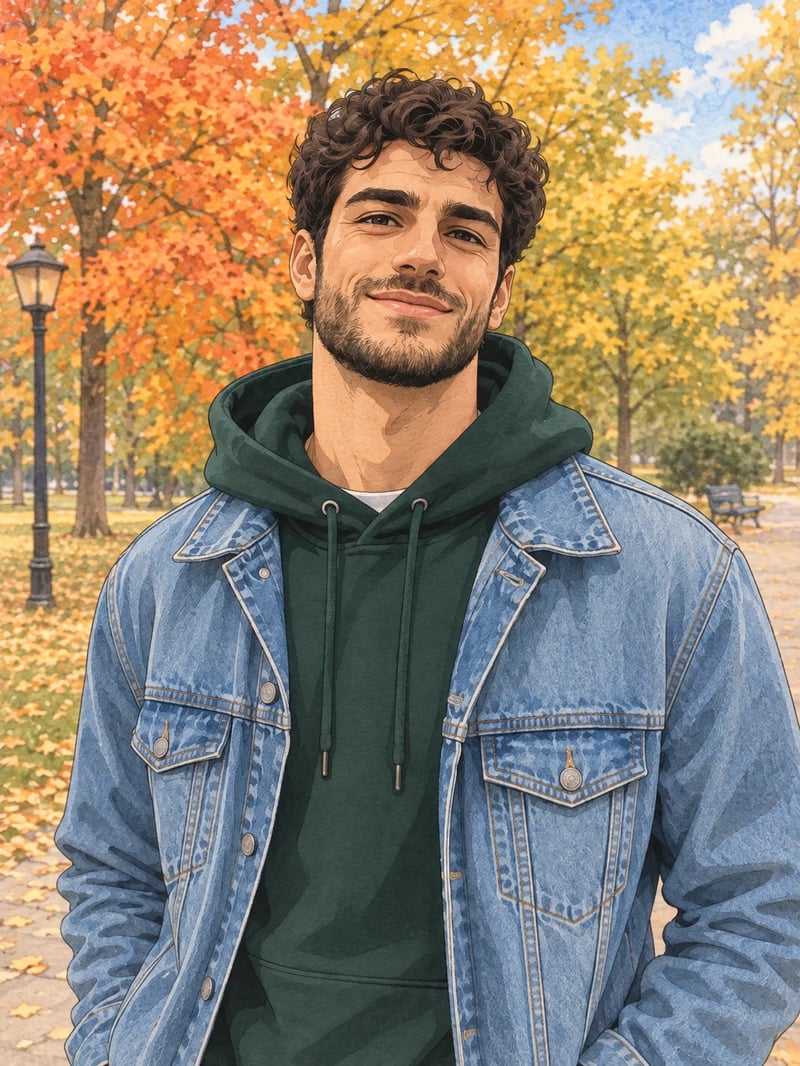
The same man redrawn as a hand-painted illustration with watercolor-like autumn trees, a lamp post and a park bench
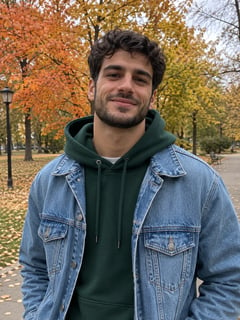
Photo of a smiling man with short black curly hair and a beard in a denim jacket over a green hoodie on an autumn park path
Your photo
Prompt

Redraw this photo as a hand-painted anime film still. Soft painted background with watercolor-like texture, gentle natural light, warm colors, delicate clean line art, a calm everyday mood. Keep the same man: his face shape, short black curly hair, short beard, smile, the light blue denim jacket over the green hoodie, his pose and the autumn park behind him. The result must be a 2D hand-drawn illustration, not a photo or a 3D render. No text, no logos.

  • Kept: His curls, beard and smile, the denim jacket over the green hoodie and the white T-shirt under it.
  • Kept: The lamp post, the bench and the orange and yellow trees stayed where they were.
  • Worth checking: This came out as a painted portrait with real proportions rather than an anime character: his eyes and face were not stylised.
  • Worth checking: The grey sky turned partly blue.

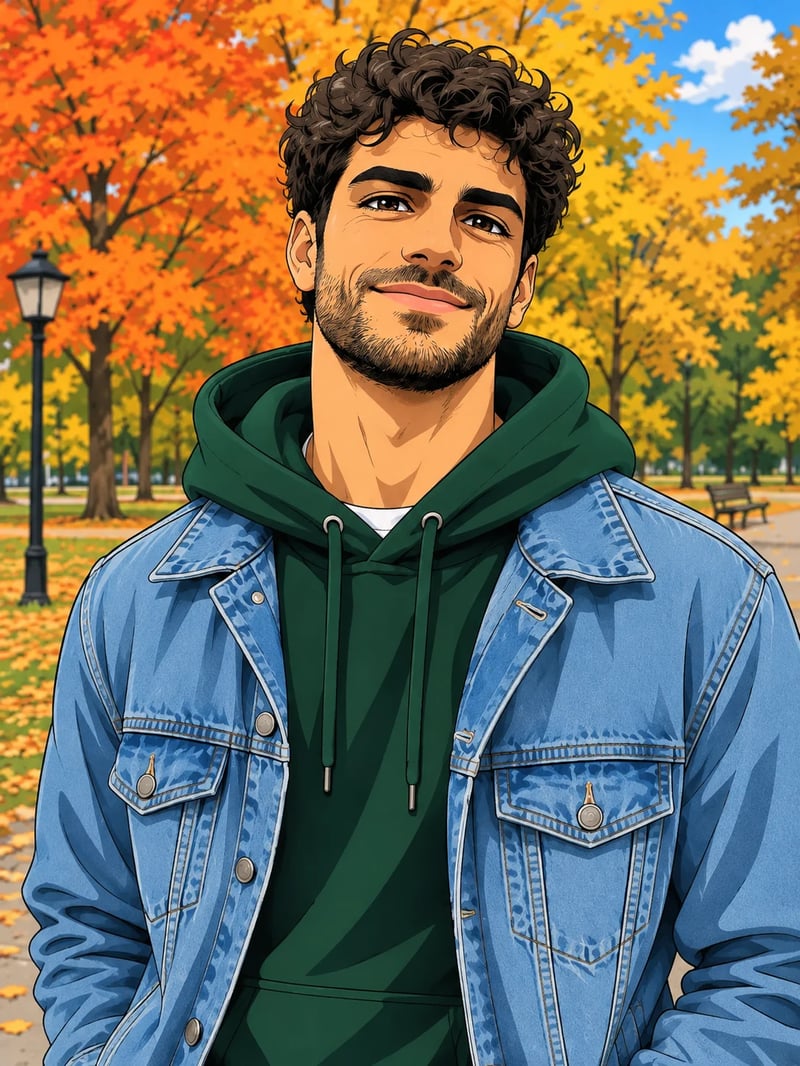
For more anime in this look, add "large anime eyes and simplified features" to the first sentence.
Prompt template

A photo to anime prompt that keeps your face

A photo to anime prompt that keeps the face does two jobs: it names the look, and it lists what must not change. Every prompt in our tests used the same four parts, and the face, hair and clothes survived in all six. Leave the keep list out and the model is free to change the hairstyle, the clothes or the background along with the drawing.

Write the look the way you would describe a drawing: the lines, the shading, the colors and the background. Then list the things that make the person recognisable, in plain words: hair length and color, glasses, a beard, the color of a jacket. End with "2D illustration, not a photo or a 3D render", which stops the result from staying half photographic.

If the face drifts, run it again or switch the model to Nano Banana Pro or Nano Banana 2.1, which the model guide on our home page suggests when a face changes.

Prompt template

Redraw this photo as 1the anime look: lines, shading, colors, background. Keep the same 2person: 3face shape, hair, glasses or beard, outfit colors, 4pose and 5the place behind them. The result must be a 2D hand-drawn illustration, not a photo or a 3D render. No text, no logos.

  1. The look — Describe the drawing, not a studio or a show: "crisp black line art, flat cel shading, large expressive eyes" or "soft painted background, watercolor texture".
  2. Who to keep — Name the person and, if there is one, the pet: "the same woman and dog". With several people, say how many.
  3. What makes them recognisable — Hair length and color, glasses, a beard, earrings, the colors of each piece of clothing. These are the details that carried over in every test.
  4. Pose and place — Keep the pose and the setting, or say what the new background should be, such as "a cherry blossom street at dusk".
  5. The 2D line — Ask for a 2D illustration, not a photo or a 3D render. Without it, the result can stay half photographic.
What to upload

Selfies, couples and pets

  • 01

    Selfies and profile pictures

    A clear, front-facing photo with the face large in the frame works best. Ask for an upper-body portrait and a simple background if the picture is for a profile, and use the TV anime look when you want it to read as anime even at a small size.

  • 02

    Couples and friends

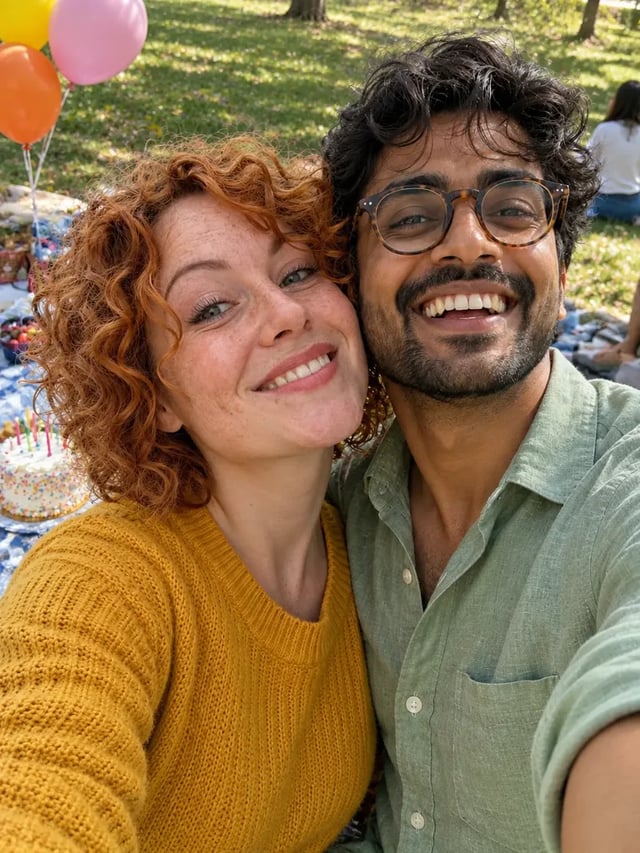
    Name both people and what each one wears, for example "the man in the grey coat and the woman with short red hair". We did not test a couple photo for this page, so treat this as a starting point and check that each face stayed with the right person.

  • 03

    Pets, with or without you

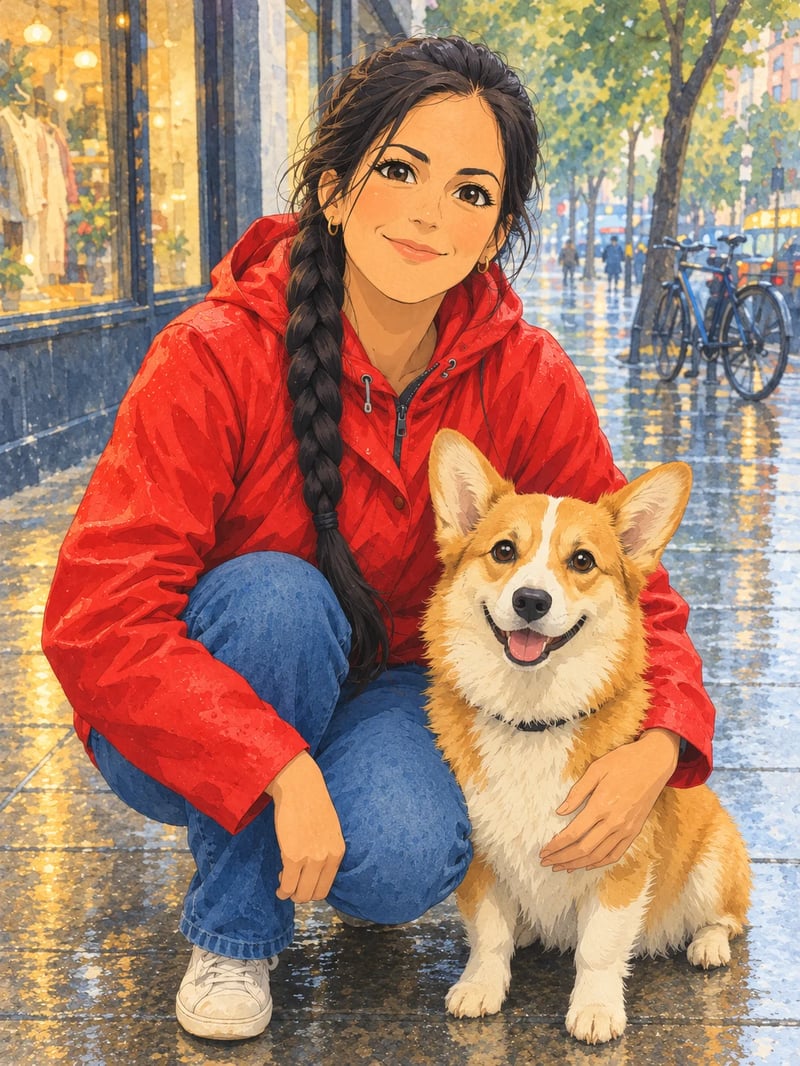
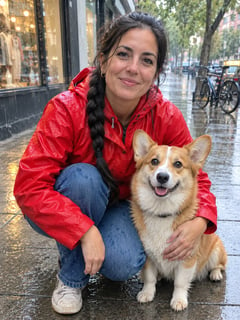
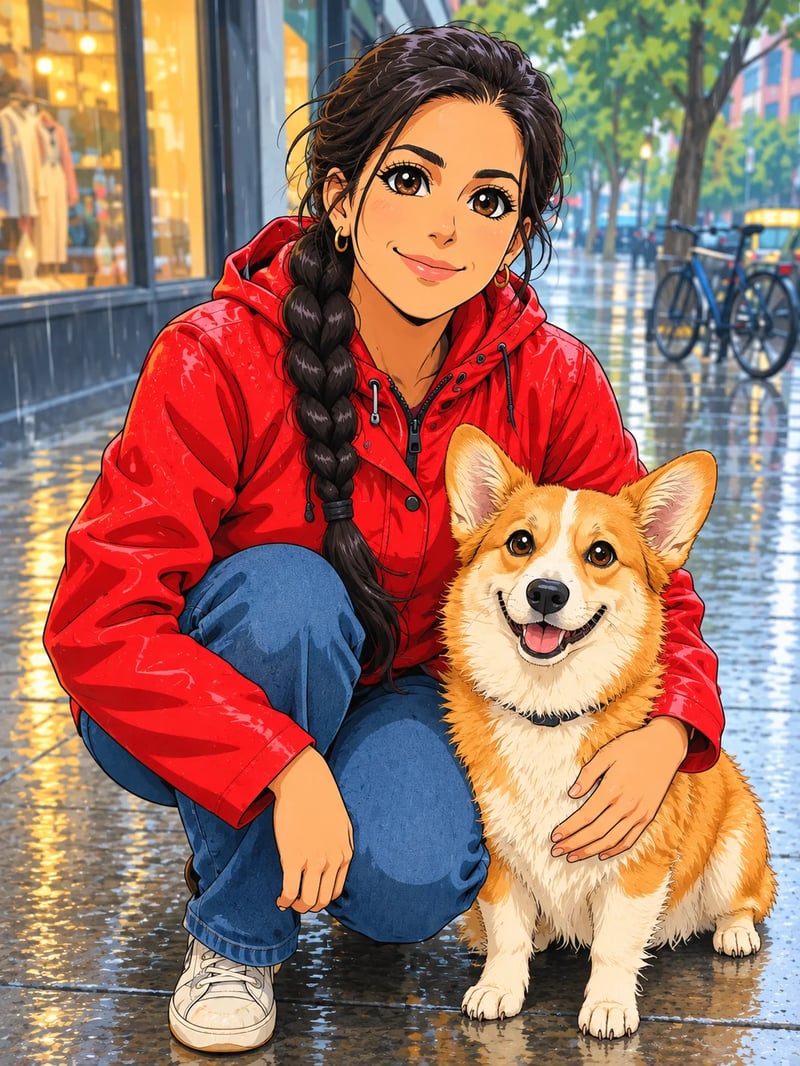
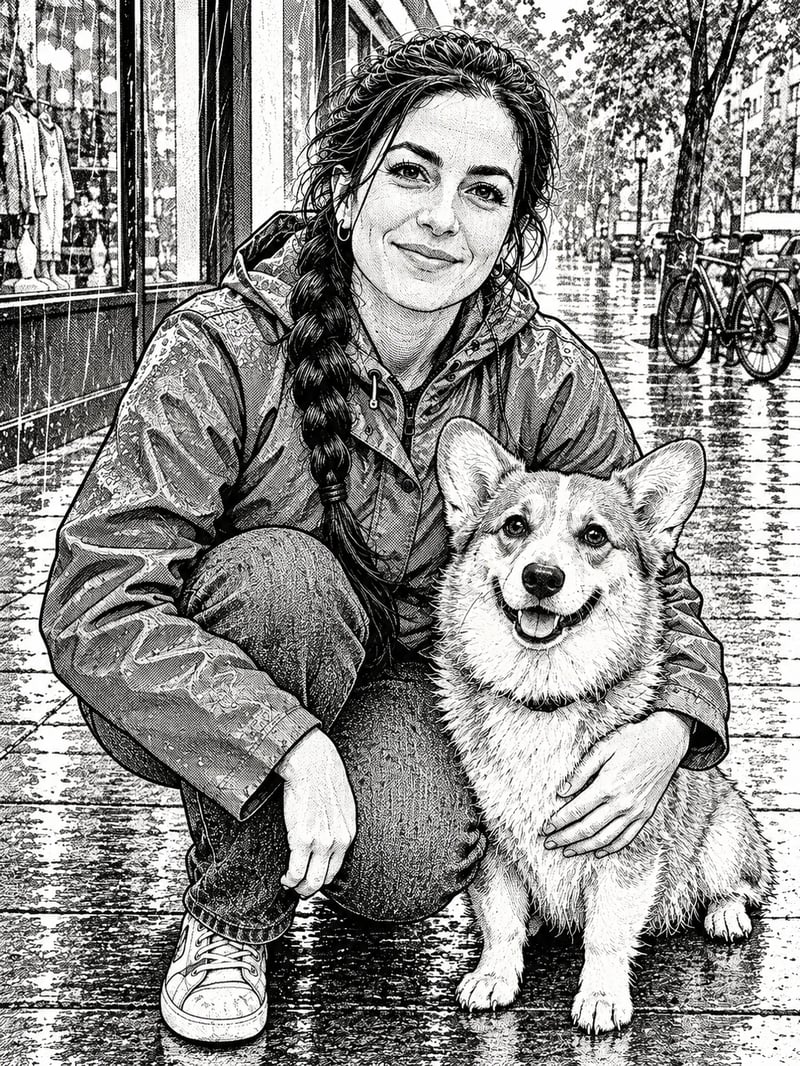
    Describe the animal as carefully as a person: breed, coat colors, collar. In our test the corgi kept its orange and white coat and its pose in all three looks, next to the woman holding it.

  • 04

    Group photos

    Give the number of people and keep the prompt short; the more faces there are, the more of them can drift. If the people in the picture were photographed apart, combine them into one photo first, then turn that photo into anime.

    Have two photos taken apart? Combine them into one first

Turn a photo into anime in three steps

All in the generator at the top of this page.

  1. 1
    Upload your photo

    Upload your photo

    Use a sharp photo of yourself, or of someone who has agreed to it. One photo is enough.

  2. 2
    Describe the anime look

    Describe the anime look

    Write the look and the things to keep, or copy one of the prompts above and change the names of the clothes and colors.

  3. 3
    Generate and compare

    Generate and compare

    Check the face, the hair and the clothes against your photo. If something drifted, add it to the keep list, try another look or switch the model, then run it again.

Image to anime pricing

Each anime picture costs credits by model and size; the generator shows the cost before you run.

Black Friday50% OFF
Ends Nov 30--days--hrs--min--sec
  • Up to 500 images or 41 videos

    • All models, including Premium
  • Up to 1,250 images or 104 videos

    • All models, including Premium
  • Up to 3,750 images or 312 videos

    • All models, including Premium

· No card required

Failed runs are refunded automatically · Cancel anytime

Image to anime questions