
AI Image to Image

AI Photo Combiner

Upload two or more photos, say what to take from each, and get one natural picture back.

  • Combine two images with AI in one run
  • Up to 16 photos on the default model
  • Keep faces, outfits and product details
  • Try it with free sign-up credits
0
New product background
Prompt idea
Prompt

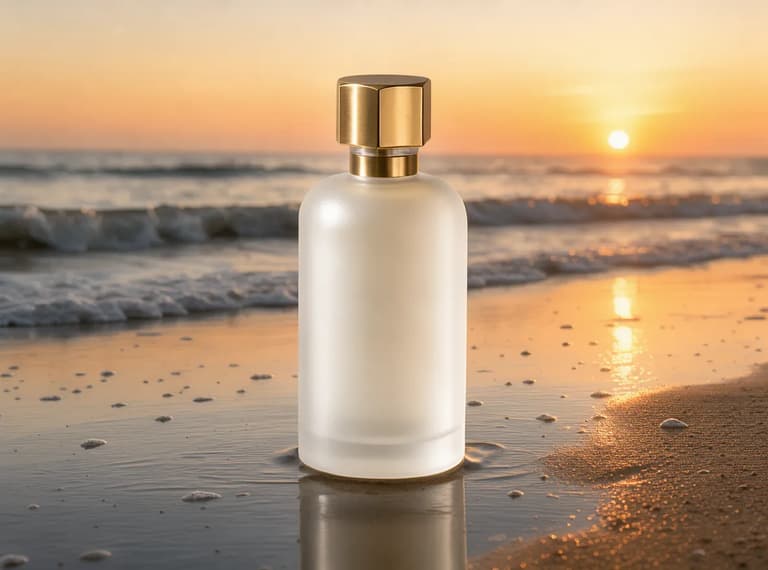
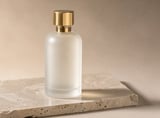
Keep the perfume bottle exactly as it is. Replace the background and stone with wet sand on a beach at golden hour sunset, soft waves behind, warm backlight.

What an AI photo combiner does

An AI photo combiner, sometimes called an AI photo merger, takes two or more photos and makes one new picture that uses what you choose from each: the people from two selfies, your dog and you, a product and the room it should sit in, a dress and the person who wants to try it on. You upload the photos, write one or two sentences about what goes where, and the model draws a single image with one light, one camera angle and one background, so the result looks taken together rather than cut and pasted.

It is not a collage maker. When you combine two images with AI, the model redraws the whole frame; it does not lay your photos side by side or keep every pixel. That is why the prompt matters: anything you want unchanged, such as a face, glasses, a label or a fabric, you name and ask it to keep.

You can merge two photos, or up to 16 on the default model. The prompt calls them image 1, image 2 and so on, in upload order.

Two photos, one image

Combine two images with AI: four real examples

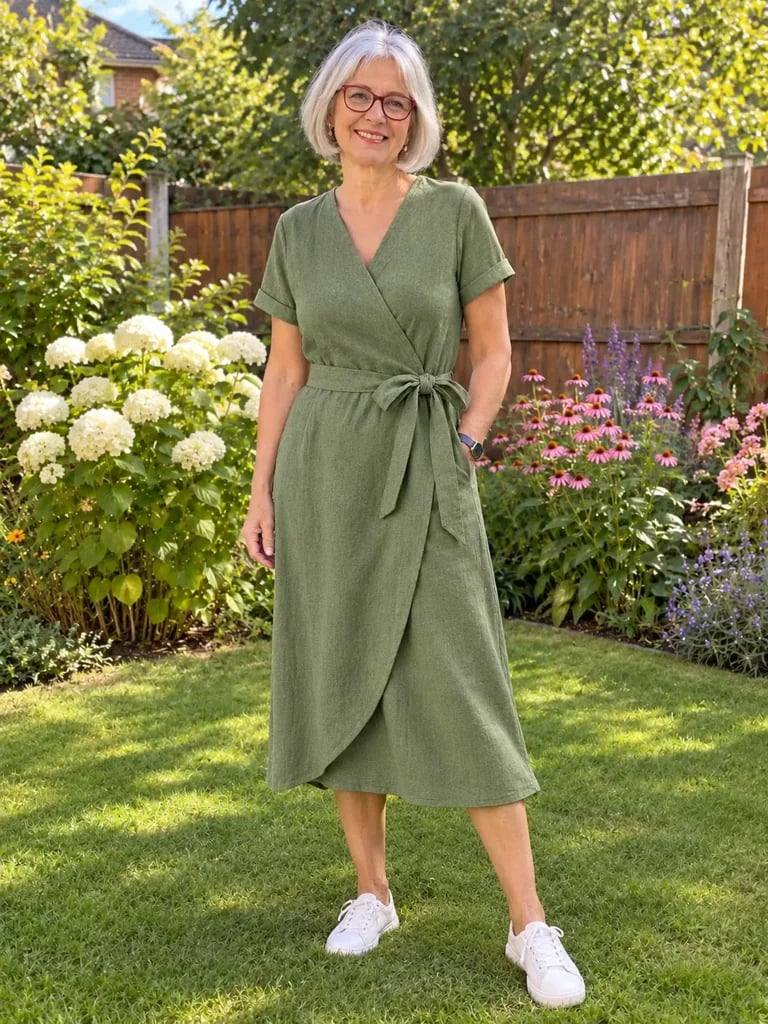
Each pair was run once on GPT Image 2.5 Flare at 1K, and we kept the first result. The prompt is under each one, with what carried over and what to check. All source photos are AI-generated, not real customers.

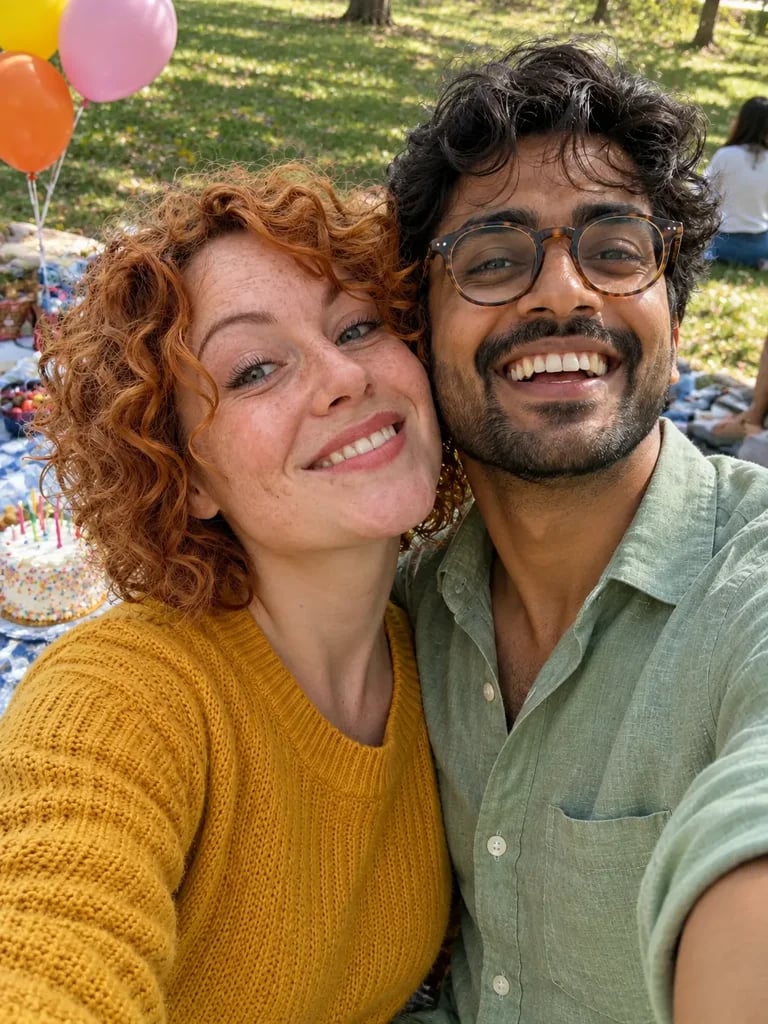
The same two people in one selfie together, cheek to cheek and laughing at a birthday picnic in a park
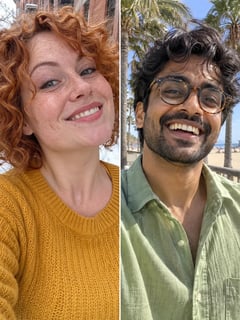
Left: a woman with curly ginger hair in a mustard sweater taking a selfie on a snowy street. Right: a man with round glasses in a green linen shirt taking a selfie on a beach boardwalk
Your photos
ModelGPT Image 2.5 Flare · 1K
Prompt

Make one smartphone selfie of the woman from image 1 and the man from image 2 together, cheek to cheek and laughing, at a friend's birthday picnic in a park in daylight, with balloons and a cake on the blanket behind them. Keep both faces, hair, glasses and clothes exactly as in their photos.

  • Kept: Both faces, her curls and freckles, his round glasses
  • Kept: Her mustard sweater and his green linen shirt
  • Worth checking: The picnic is new, so check that both people are lit from the same side

For two people photographed apart, one shared place and one shared light in the prompt does most of the work.
Prompt template

How to write a prompt that combines photos

A prompt that combines photos does three jobs: it says which photo each person or thing comes from, where they end up together, and what must not change. Refer to the photos as image 1, image 2 and so on, in the order you uploaded them, and name what is in each ("the man from image 1", "the lamp from image 2"). The model then knows which face to keep and which background to replace.

The last part is the one people skip. When you combine two images with a prompt, anything you do not mention can change, so list the details you care about: faces, glasses, hair, the fabric of a dress, the shape of a product. Then give one light and one camera for the whole picture, so the parts match.

Three photos work the same way: "Put the woman from image 1 in the jacket from image 2, standing on the street from image 3. Keep her face and the jacket's color and buttons." Give each photo one job.

Prompt template

1What to make and who or what comes from which image. 2Where they are and what they are doing together. 3Keep exactly as in their photos: faces, hair, clothes, product details. 4One light and camera for the whole picture.

  1. Who comes from where — "Make one photo of the woman from image 1 and the man from image 2." Upload order sets the numbers.
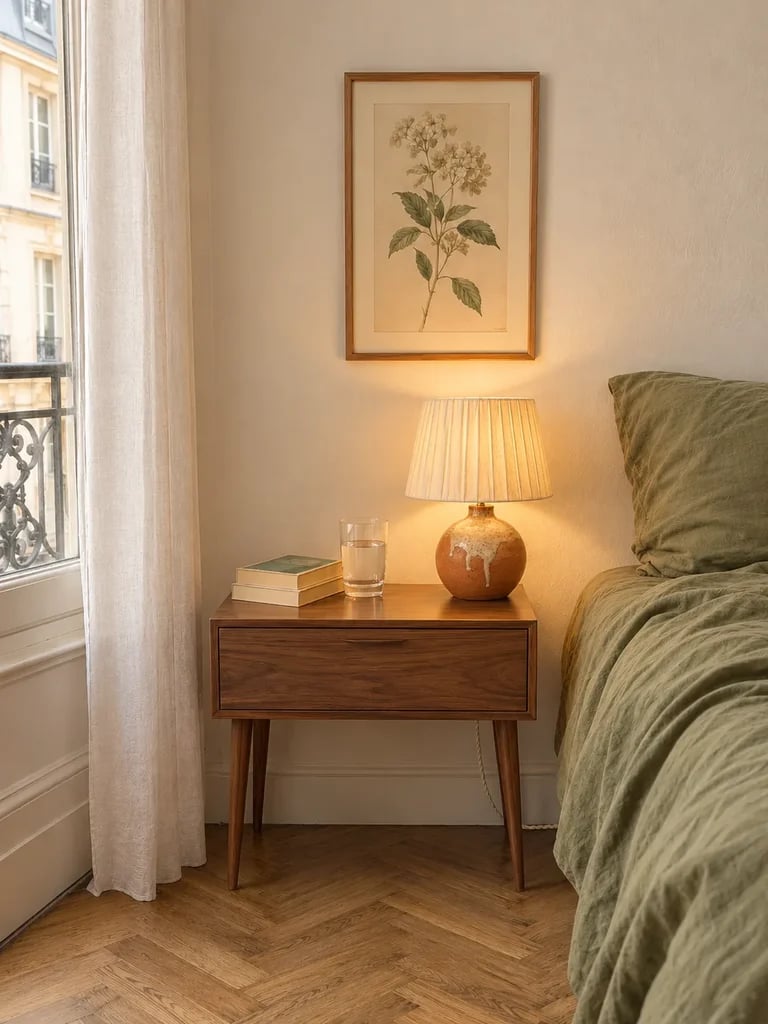
  2. Where and doing what — "At a birthday picnic in a park, cheek to cheek and laughing." Say how they relate: side by side, the dog's head on his knee, the lamp on the bedside table.
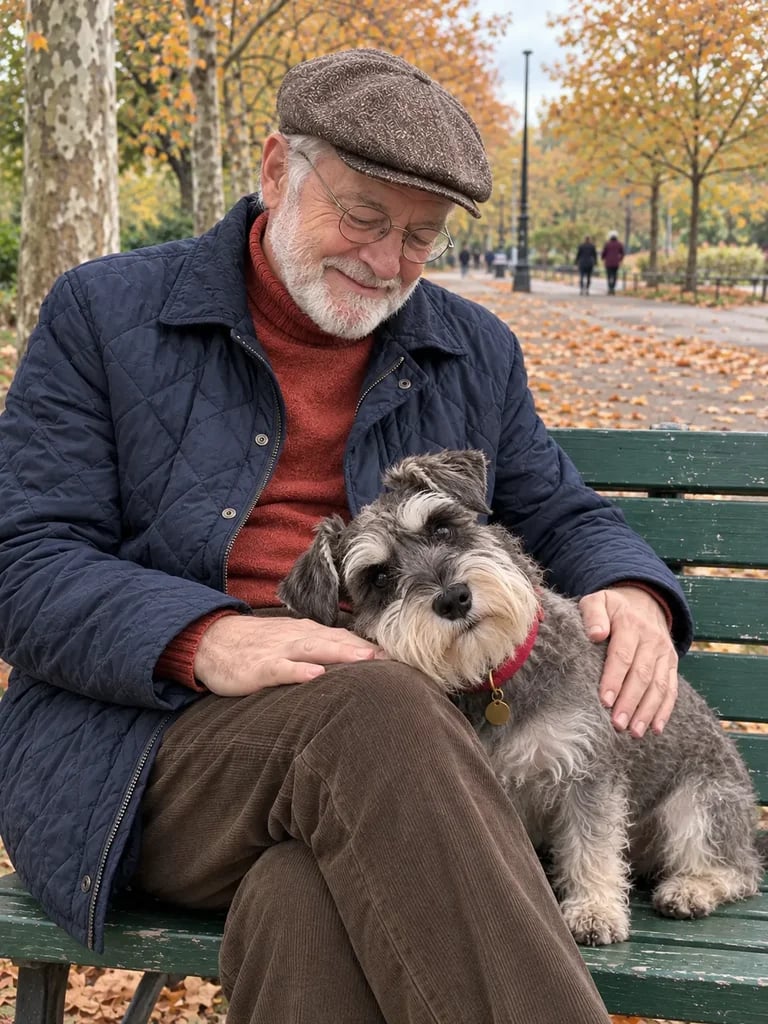
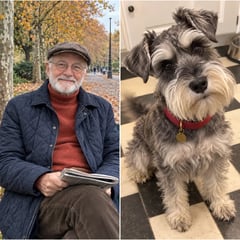
  3. What to keep — Name each detail that must survive. In our tests, details left out changed: a newspaper vanished, sneakers stayed.
  4. One light, one camera — "Soft cloudy daylight, realistic phone photo." One description for the whole frame keeps the parts from looking pasted in.
Models

Which model to pick for combining photos

GPT Image 2.5 Flare opens by default. Switch when a face drifts, when the scene is complex, or when you want cheap drafts first. Uploading more photos does not change the price on any of these six.

DefaultGPT Image 2.5 FlareDefault for most combinesGenerateNano Banana ProComplex scenes and productsTryNano Banana 2.1The same people across a seriesTryGPT Image 2Precise edits and readable textTrySeedream 5.0 ProLayouts with text in many languagesTryFLUX 3 KleinFast, low-cost draftsTry
Photos per runUp to 16Up to 8Up to 10Up to 16Up to 10Up to 10
Good forPeople, outfits and products in everyday scenesBusy scenes and brand work where details must holdKeeping up to four characters the same across imagesSmall precise changes and words on signs or labelsPosters and layouts that combine photos with textTrying an idea cheaply before a final run
Credits per 1K image3203692
Fixes

When the combined photo looks pasted

Most combines that look wrong have one of these five causes. Change one thing and run it again.

  • One person or object looks cut out, with light from a different side

    Change next
    Describe one light for the whole picture, such as "soft window light from the left", and ask that everyone is lit by it
    Leave alone
    Your keep list
  • A person, pet or product is the wrong size

    Change next
    Give the size against something in the scene: "the lamp is about as tall as the stack of books", "the dog's head reaches his knee"
    Leave alone
    The scene and the pose
  • A face no longer looks like the person

    Change next
    Add "keep her face exactly as in image 1", ask for fewer other changes in the same run, or switch to Nano Banana Pro or Nano Banana 2.1
    Leave alone
    The background
  • The wrong photo became the background, or two people swapped clothes

    Change next
    Check the upload order, then name each photo by what is in it: "the man in image 1", "the bench from image 1"
    Leave alone
    The rest of the prompt
  • Something you did not mention changed or disappeared

    Change next
    Name it in the keep list, or say what should happen to it

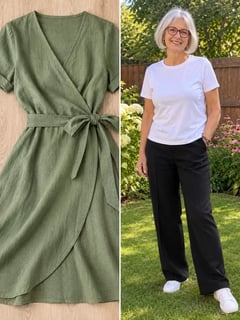
    In our dog example the newspaper vanished; in the dress example the sneakers stayed.

    Leave alone
    Everything that came out right

Combine photos with AI in three steps

All in the generator at the top of this page.

  1. 1
    Upload your photos

    Upload your photos

    Add two or more photos in the order you will call them: image 1, then image 2. Use photos where each face or product is clear and not too small.

  2. 2
    Write what goes where

    Write what goes where

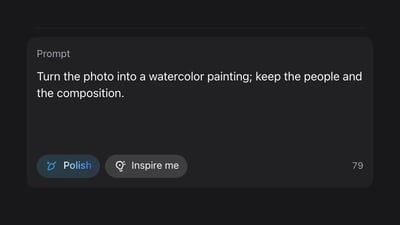
    Say who or what comes from which image, where they end up together, what to keep exactly, and one light for the whole picture. The template above gives the order.

  3. 3
    Generate and check

    Generate and check

    Pick a model and size, run it, then compare faces and details with your photos. If something drifted, change one line and run it again.

    Want to restyle or edit a single photo instead? See AI image to image

AI photo combiner pricing

Each combined image costs the same however many photos you upload, and the generator shows the cost before you run it. A plan or credit pack also removes the watermark and unlocks 2K and 4K.

Black Friday50% OFF
Ends Nov 30--days--hrs--min--sec
  • Up to 500 images or 41 videos

    • All models, including Premium
  • Up to 1,250 images or 104 videos

    • All models, including Premium
  • Up to 3,750 images or 312 videos

    • All models, including Premium

· No card required

Failed runs are refunded automatically · Cancel anytime

FAQ

AI photo combiner questions