Changelog
What's new in AI Image to Image
New models, tools and improvements, newest first. Each update says what changed and where to try it.
November 2026
A new page turns a photo into an anime picture and shows two photos in three looks, painted, TV anime and manga ink, with the prompt behind each and what changed.
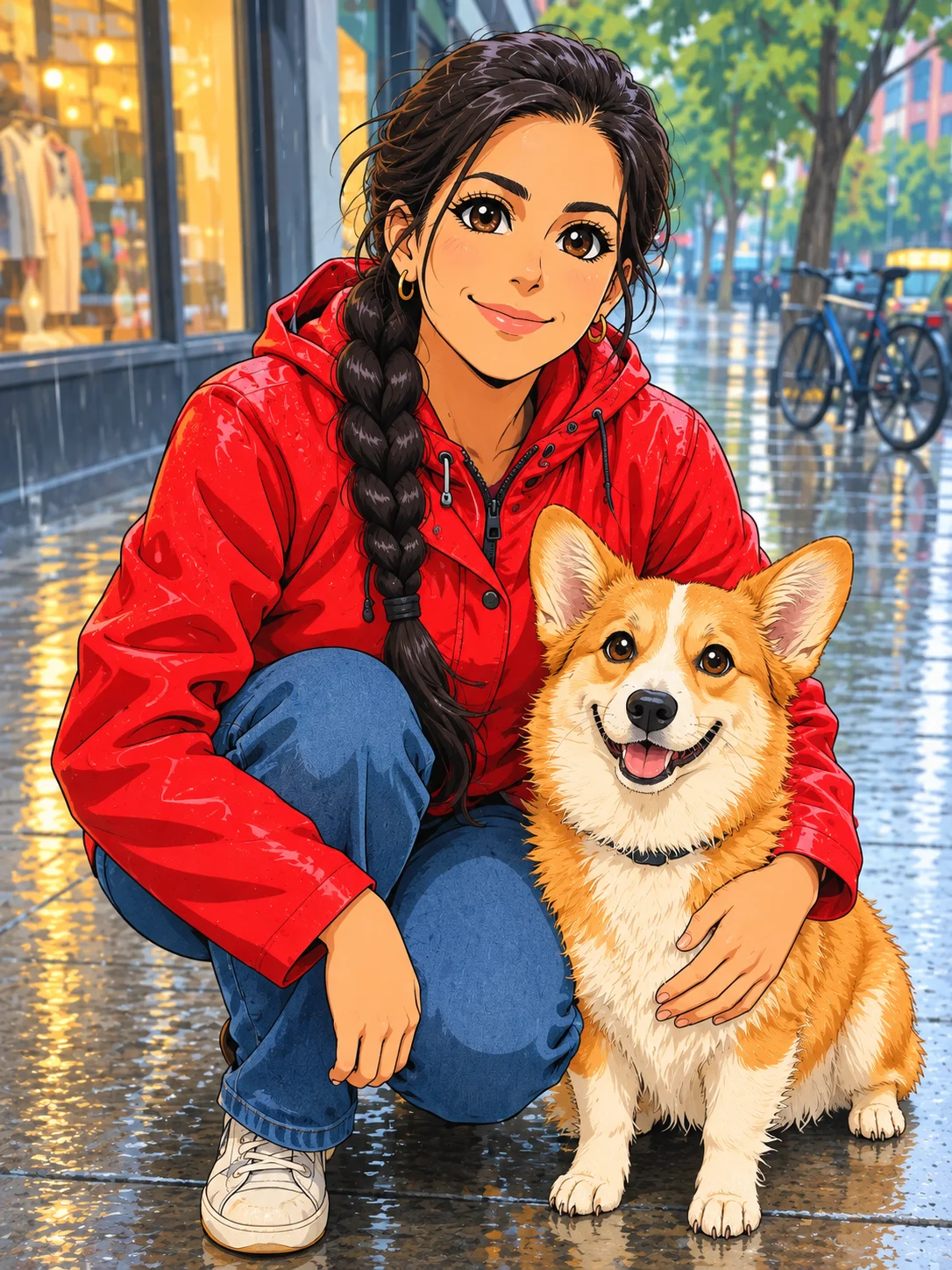
The image to anime page opens the generator on the image to image tab and shows two photos, a man in an autumn park and a woman with her corgi, each turned into three anime looks on GPT Image 2.5 Flare. Under every result is the prompt we used, what carried over and what drifted, then a prompt template that keeps your face and notes for selfies, couples, pets and group photos.
- Turn a selfie or a pet photo into a painted, TV anime or manga ink picture.
- Keep the face, hair and outfit with a copyable prompt template.
- Make a one-tap anime avatar with the Anime Portrait effect.
A new page shows how to combine two or more photos into one natural picture, with four combines we ran, the prompts behind them and fixes for results that look pasted.
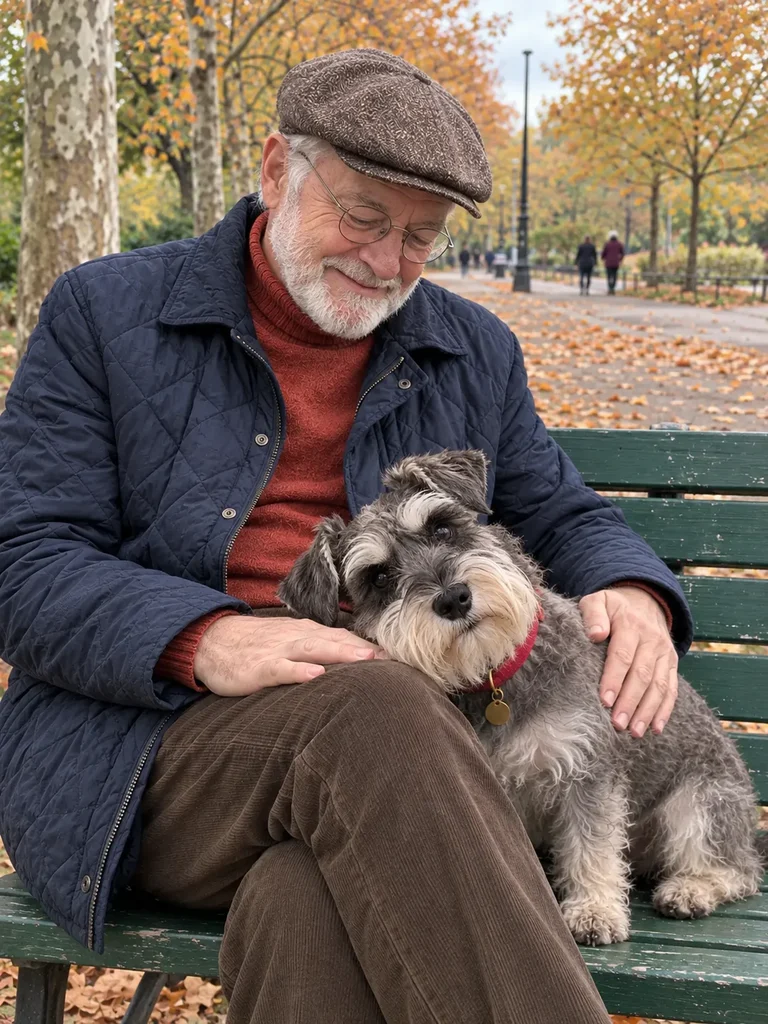
The AI photo combiner page opens the generator on the image to image tab and walks through four combines we ran on GPT Image 2.5 Flare: two friends in one selfie, a lamp moved into a bedroom, a dress tried on in a garden and a man with his dog on a park bench. Each one shows the prompt, what carried over and what to check, followed by a prompt template and a short list of fixes for faces that drift or parts that look pasted in.
- Put two people photographed apart into one selfie.
- Place a product from a cluttered shelf into a real room.
- Combine up to 16 photos on the default model, named image 1, image 2 and so on.